¶ Getting Started
¶ TPU
A TPU, or Tensor Processing Unit, is a type of AI accelerator specifically designed by Google to accelerate machine learning tasks. TPUs are application-specific integrated circuits (ASICs) that have been optimized for the efficient execution of tensor operations, which are fundamental to deep learning and other machine learning algorithms.
The primary goal of a TPU is to enhance the performance and energy efficiency of machine learning workloads, allowing AI models to be trained and executed more quickly and with lower power consumption than traditional CPU or GPU-based hardware. This is achieved through a combination of specialized hardware components and optimizations tailored to the unique requirements of machine learning tasks.
¶ Enable / Disable TPU acceleration
In order to enable the tpu chip do
./opt/olive/script/enable_tpu.shand to disable the tpu do
./opt/olive/script/disable_tpu.shto verify the TPU is enabled you can do
lsusbThe result will be:
Bus 001 Device 004: ID 1a6e:089a Global Unichip Corp.
Bus 001 Device 003: ID 32e4:9230 HD USB Camera HD USB Camera
Bus 001 Device 002: ID 1a40:0101 Terminus Technology Inc. Hub
Bus 001 Device 001: ID 1d6b:0002 Linux Foundation 2.0 root hub
Bus 002 Device 001: ID 1d6b:0001 Linux Foundation 1.1 root hubWhich the "Global Unichip Corp" is the TPU chip.
¶ TPU Apps
All the python3 based TPU examples are located in /home/olive/apps. To run an object detection example using TPU after enabling the tpu in the previus step run
python3 /home/olive/apps/packages/src/app_tpu_python/tpu_python/app_node.pyNote that you have to change the topic name of the app subscriber to your current device topic name in oder to subscribe to the image. In order to to this you have to edit the app_node.py
After running this example the camera will detect objects based on Coral object detection example.
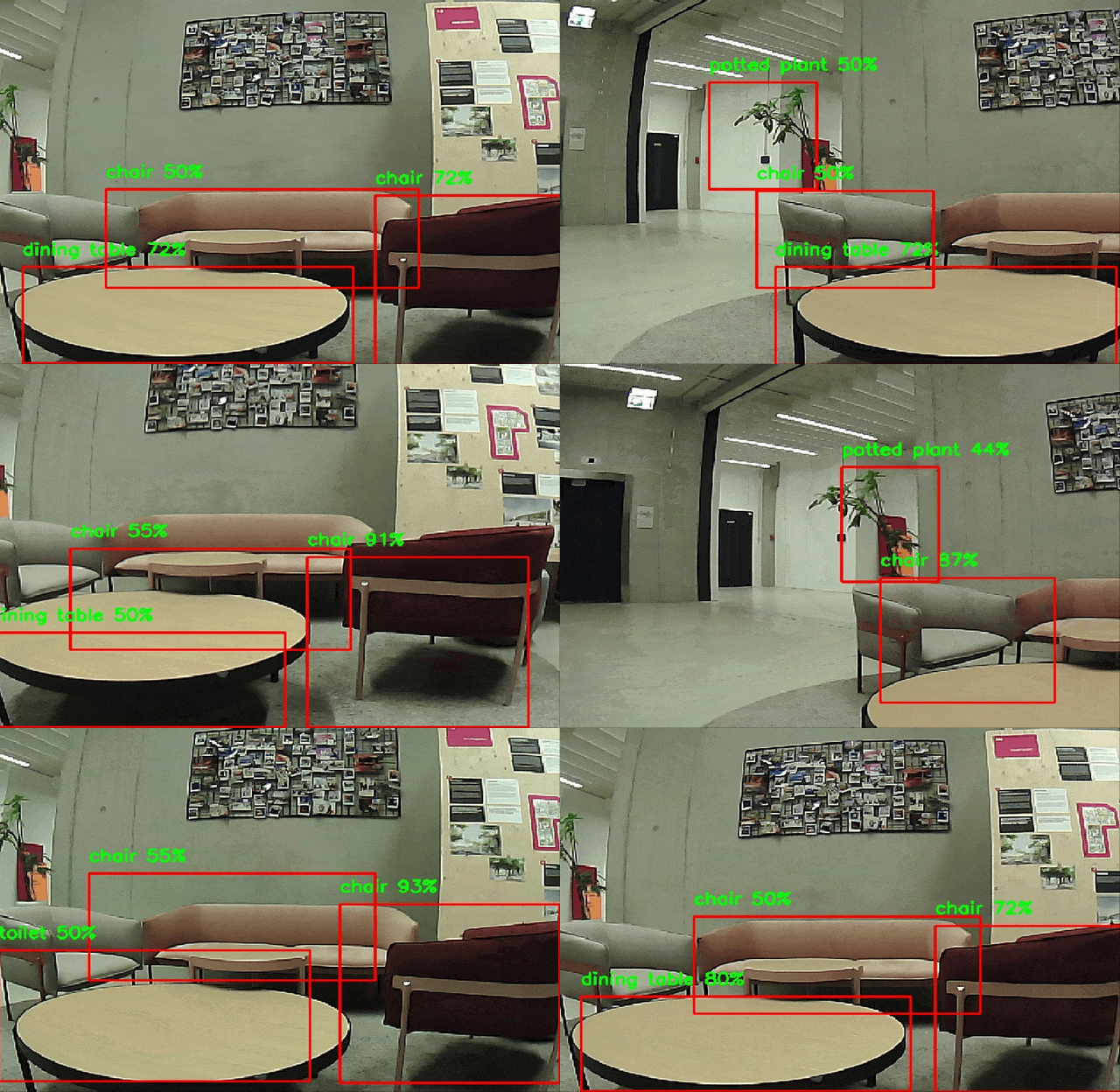
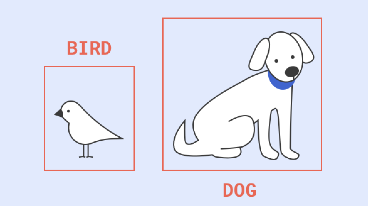
General pipeline diagram

For more information about Google® coral please visit:
For other python example source projects please visit:
https://github.com/olive-robotics/olv_camera_tpu_playground_py
¶ General Setup
Follow the Quick Start for Olive Robotics robot modules to connect the device and start using it.
¶ Quick Setup
Quick start guide for the olive® Camera module:
- Check if the data is alreaddy published to your system using:
ros2 topic listyou should be able to see all the topics published from the module. For exampe for IMU module you will see:/olive/imu/id001/image/camera_info/olive/imu/id001/image/compressed/olive/imu/id001/imu/olive/imu/id001/magnetometer/olive/imu/id001/status/parameter_events/rosout
The number id001 is your device's default namespace.
- Visualize the data using:
- Embedded Web Interface
- rqt (https://docs.ros.org/en/humble/Tutorials/Beginner-CLI-Tools/Introducing-Turtlesim/Introducing-Turtlesim.html#install-rqt)
- Visualize the topics:
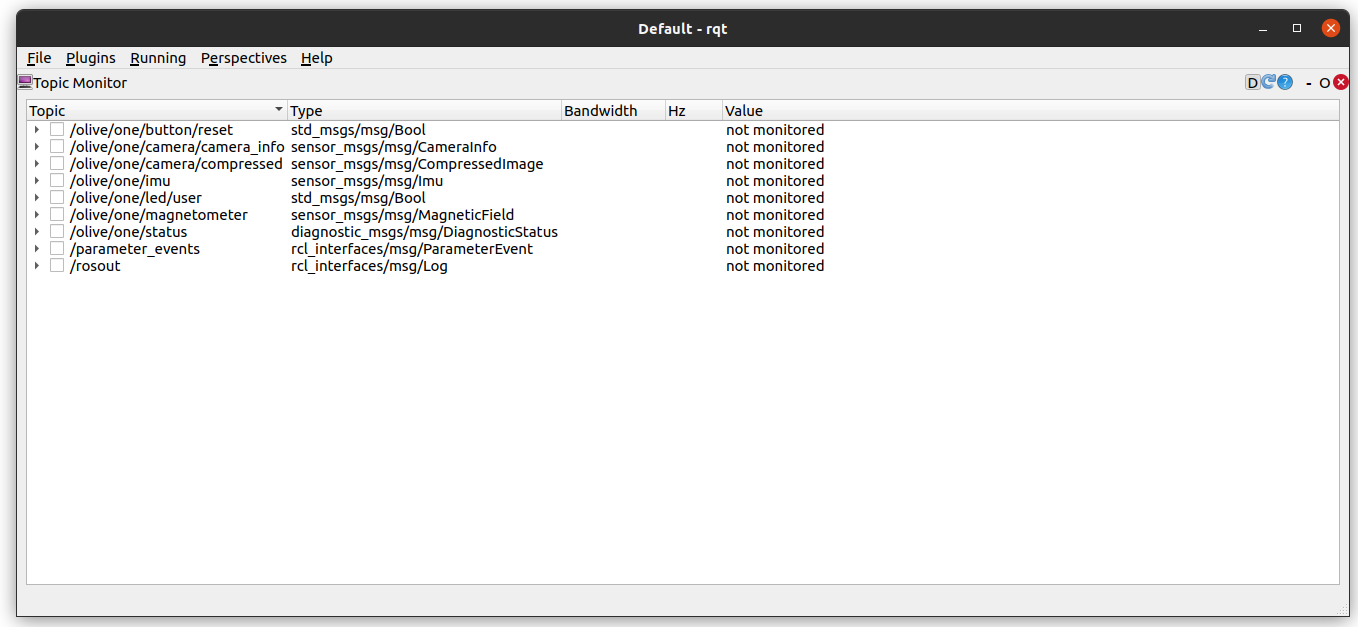
- Plot the data from the IMU messages:
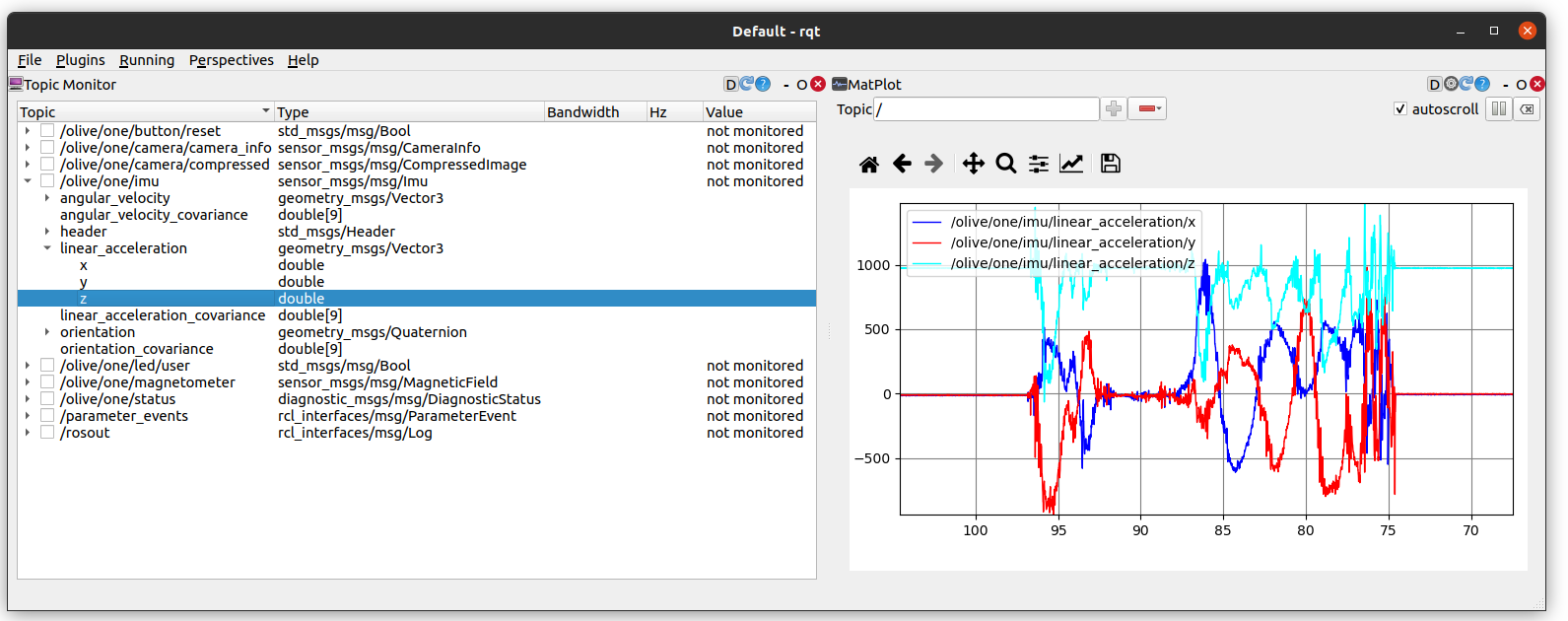
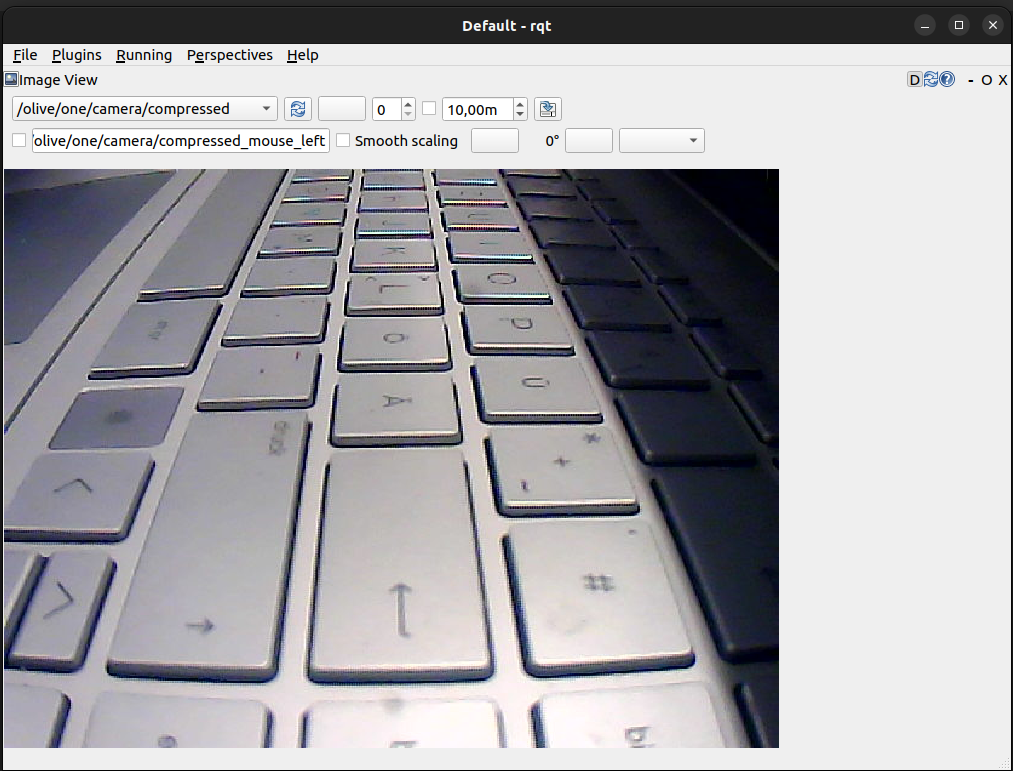
- Visualize the Image:
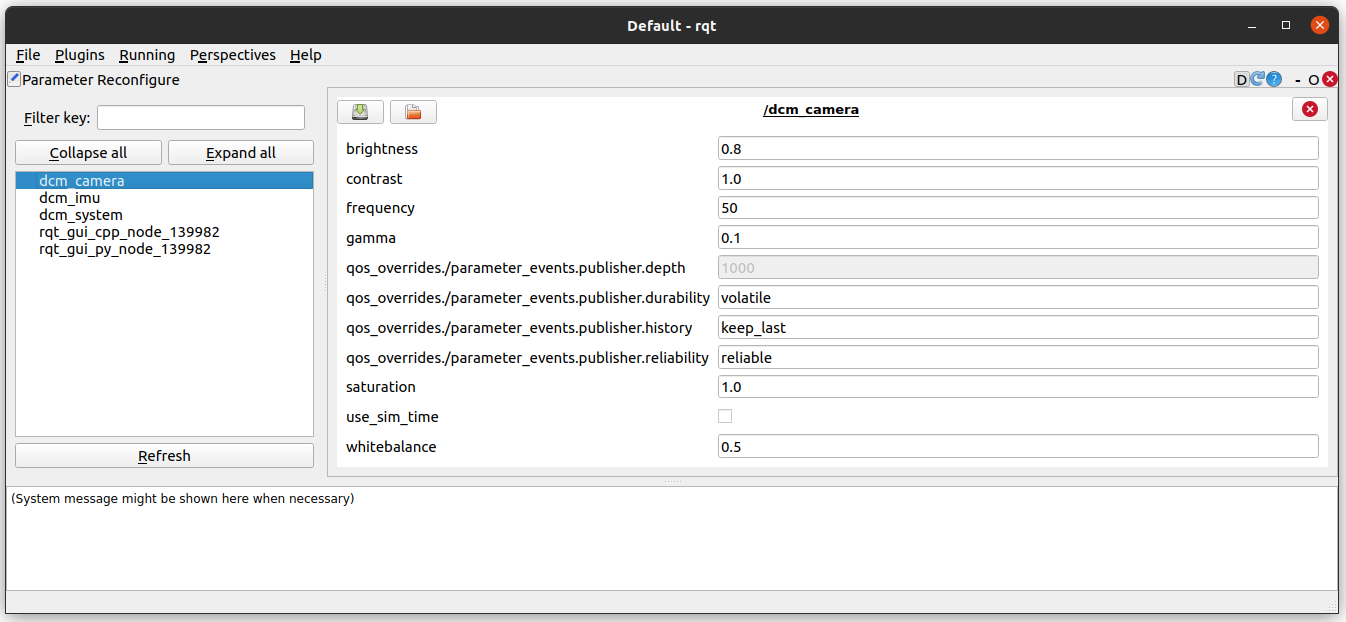
- Change the parameters of the DCM:
- rviz2 (https://github.com/ros2/rviz).
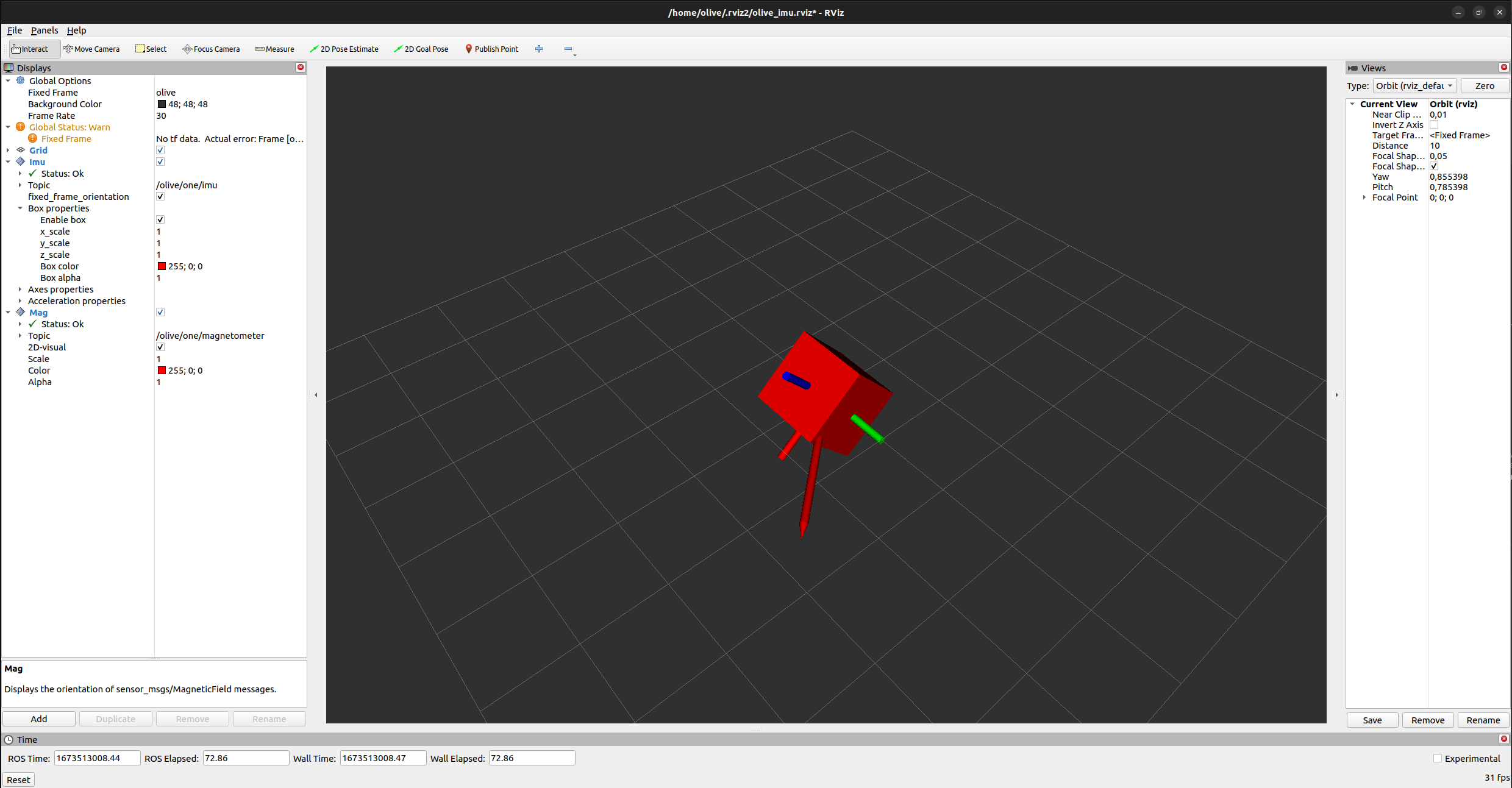
- Visualize the IMU data in Rviz2
- Visualize the data and change the parameters like IP, Topic Name, etc using the embedded web interface.