¶ Quick Start
¶ Move OWL1 via CLI
The head can be moved by publishing to the topic /olive/olixO1/id001/head_cmd.
Set the position field of the sensor_msgs/msg/JointState message to the desired joint positions in radians, where the first entry corresponds to yaw and the second entry to pitch.
ros2 topic pub /olive/olixO1/id001/head_cmd sensor_msgs/msg/JointState "header:
  stamp:
    sec: 0
    nanosec: 0
  frame_id: ''
name: []
position: [1.57, 0.0]
velocity: []
effort: []" The example above moved the head by 90 degree on the yaw axis.
¶ Move OWL1 via HMD
To move the Head via HMD follow these steps:
- Power on the HMD
- Connect the HMD to same network
- Open the OliveVR4 app
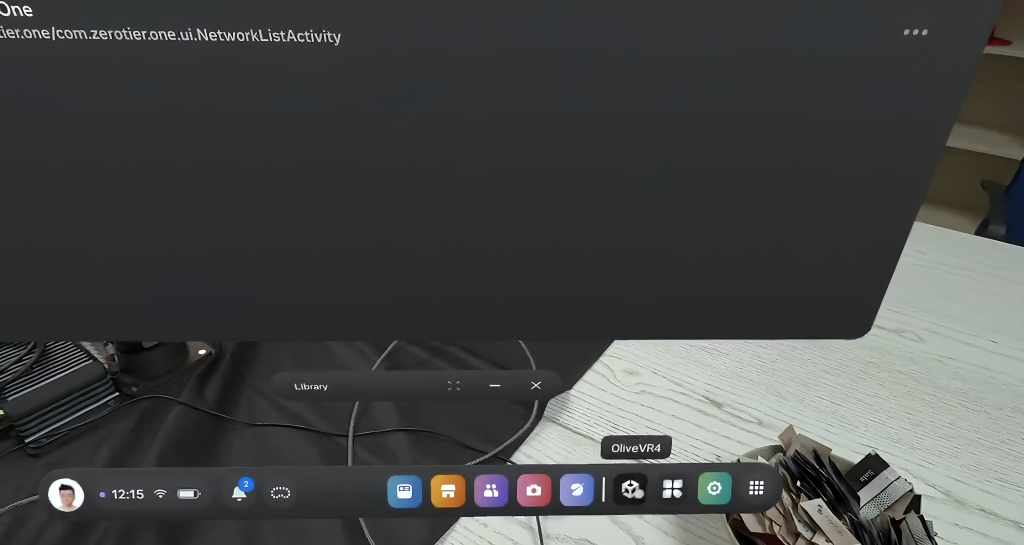
4. There should be screen like below
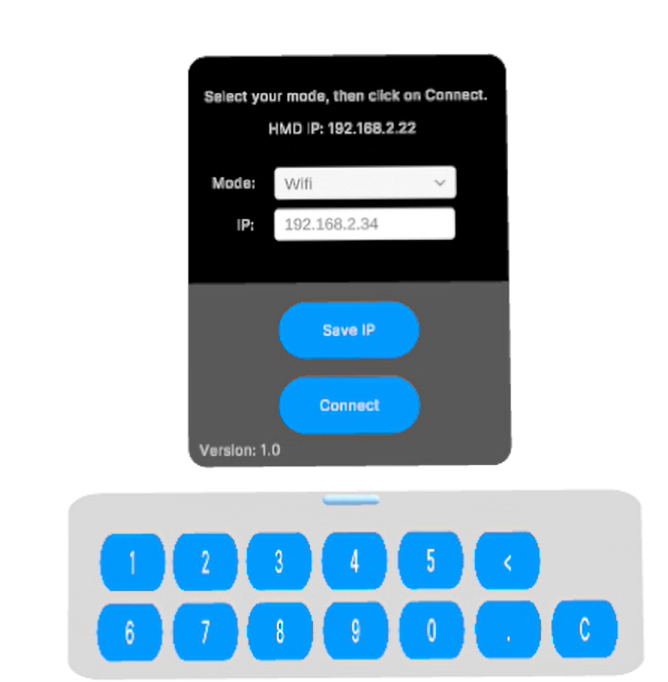
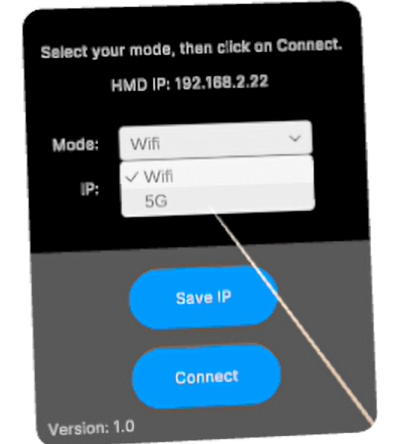
5. Under Mode, you can choose between 5G and WiFi
6. At the top, you can see the HMD IP address (e.g. 192.168.2.22). This must be added into the OWL1 Computer under /home/firefly/workspace/olive_hmd_interface/src/garmi_gui/config in the station_WIFI_ip field (if WiFi mode is selected).
station_5G_ip: 192.168.2.5
station_WIFI_ip: 192.168.2.22
update_rate: 200
station_mode: WIFI
id: 1
world_alignment:
  yaw_deg: -53.099998474121094
  offset_x: -0.15000000596046448
  offset_y: 0.070000000298023224
offset_z: 0.920000016689300547. In the IP Field set the IP of OWL1
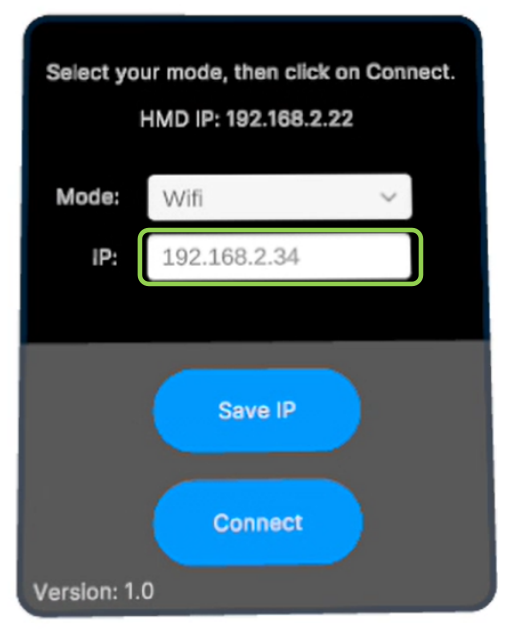
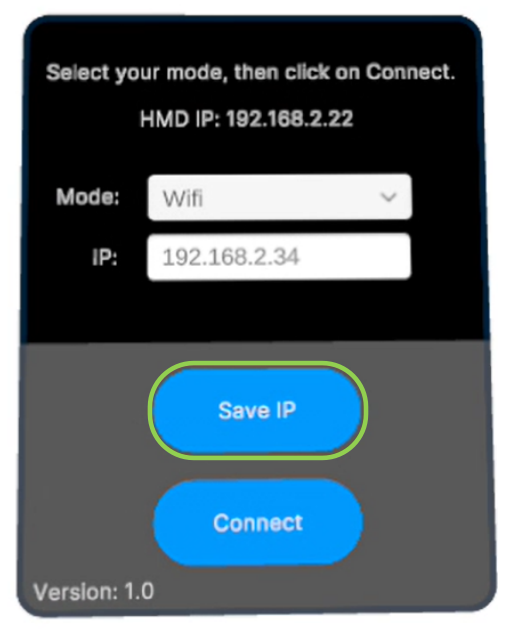
8. Save the IP Address
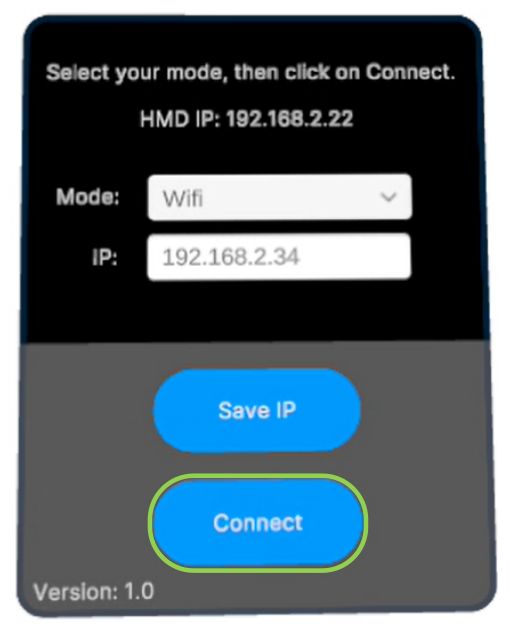
9. Run Connect
¶ Zeroing the OWL1 with the HMD
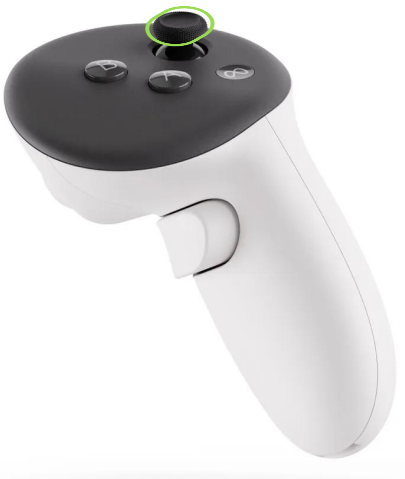
To set the current HMD position as the zero position for the OWL1, press the R1 button on the controller.