3 - Software Development
Software Development
Setup
- Power on the olixBot™ OWL1
- Connect the olixBot™ OWL1 vian Ethernet to a Network System to control the OWL1
- Connect your Host System to the same Network with ROS_DOMAIN_ID = 0
- Username: firefly Password: one
- Default ROS2 version is Humble and your host should run Ubuntu 22.04
- Following topics should now be visible on your host system:
olive@olive:~$ ros2 topic list
/olive/olixO1/id001/head_cmd
/olive/olixO1/id001/head_state
/olive/olixO1/id001/image/camera_info
/olive/olixO1/id001/image/compressed
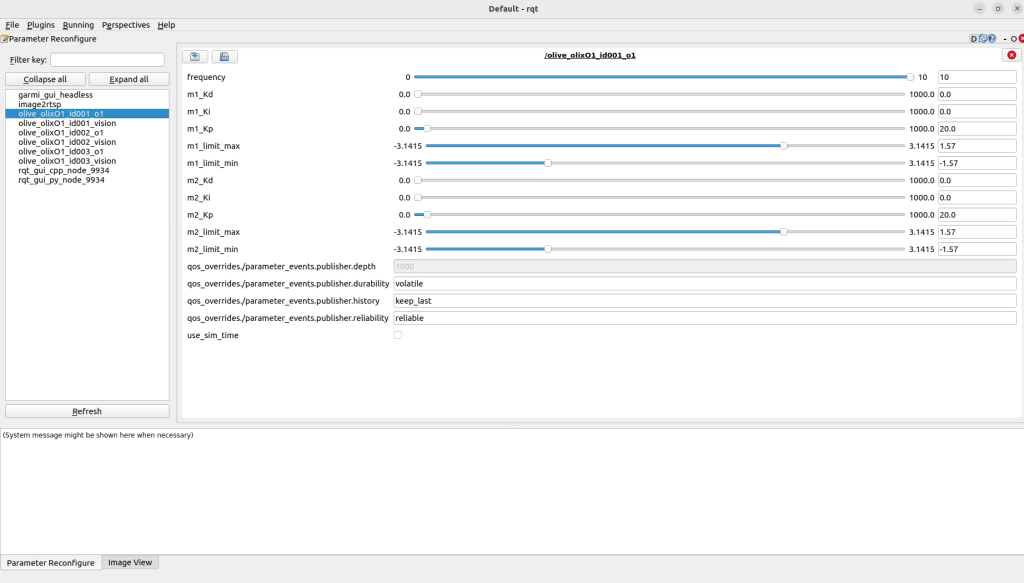
ROS Topics and Parameters
Topics
Each topic has in the beginning /olive/olixO1/id00X...
| Topic Name | Message Type | Description |
|---|---|---|
| /head_cmd | sensor_msgs/msg/JointState | Sends a Head Command |
| /head_state | sensor_msgs/msg/JointState | Shows Head Status (Pose, Vel, ...) |
| /image/camera_info | sensor_msgs/msg/CameraInfo | Shows camera information like Camera Matrix, etc. |
| /image/compressed | sensor_msgs/msg/CompressedImage | Shows the Compressed Camera Image |
Services
olive-o1.service: The motor controllers
olive-vision.service: The camera interface
olive-hmd.service: The HMD interface
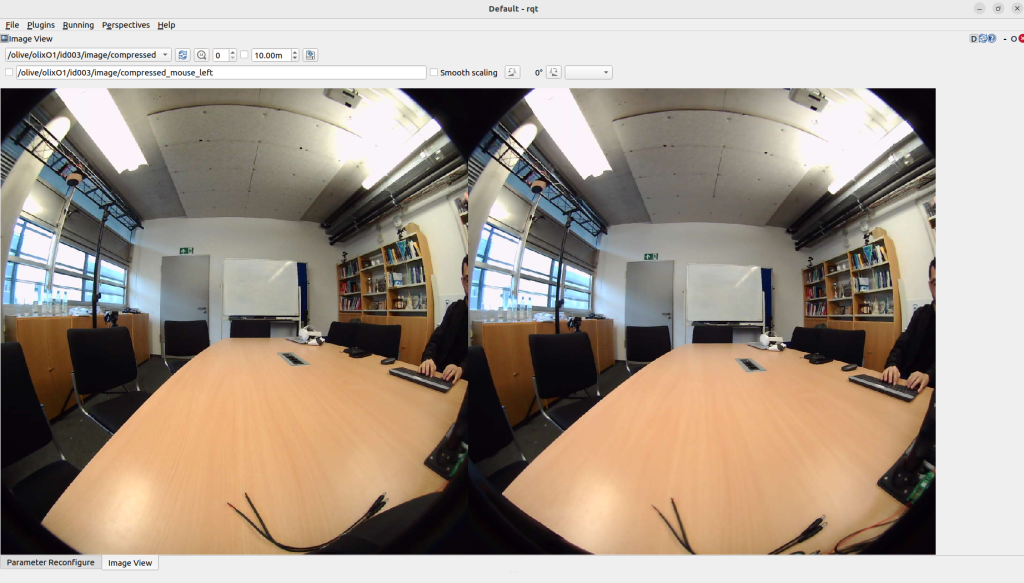
RQT
You can view the image from rqt image viewer
Parameters