olixBot™ANT1 Base
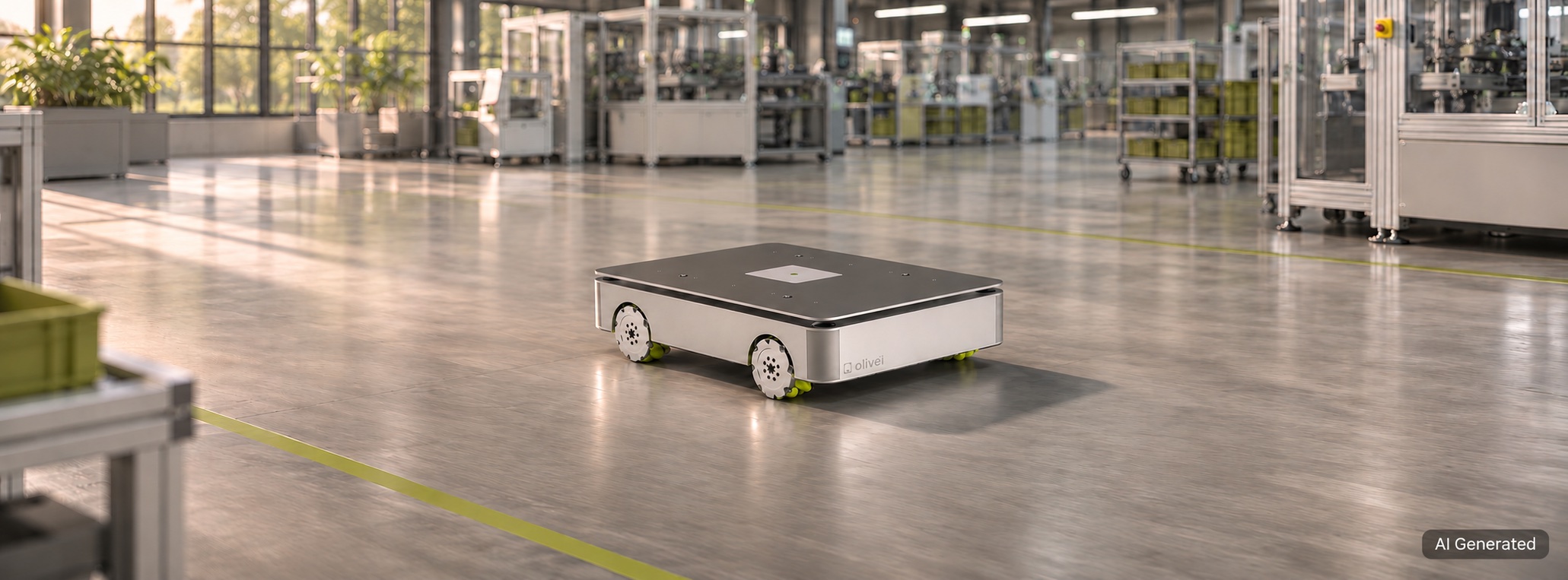
1 - Getting to Know the ANT1
This section provides a summary of what is included in the package, helping you quickly verify that all required components are present before installation or use. It also introduces the main parts and their basic functions.
2 - Getting Started
This section guides you through the initial setup process, including installation steps and first-time configuration. It also provides detailed instructions on how to use the main features, explains how to enable and operate different functions, and offers troubleshooting tips to help you quickly resolve common issues during use.
3 - Platform Overview
This section introduces the overall structure of the robot platform. It includes CAD perspective views of the robot body, interface location diagrams, and supplementary information to facilitate system understanding and integration.
4 - Software Development
This section provides essential information for software development with the ANT1 robot. It introduces the system architecture, communication interfaces, available ROS 2 topics, services and actions, as well as configuration details that may be required during development and integration. The goal of this chapter is to support developers in extending robot functionality, integrating custom modules, and building application-specific solutions efficiently and reliably.
5 - Specifications
This section lists the technical specifications and performance parameters of the product. It serves as a reference for system compatibility, operating conditions, and detailed hardware or software capabilities.
6 - Simulation
This section introduces the robot simulation environment. The simulation environment allows users to test robot functions, verify algorithms, and perform development without using physical hardware.
7 - Safety instructions
This section outlines important safety guidelines and precautions to prevent injury, equipment damage, or improper operation. Please read this part carefully before using the product to ensure safe and correct usage.
8 - Developer Resources
1 - Quick Start & Onboarding
Start here for the recommended first steps, device access, WebGUI basics, and the common workflow for new users.
2 - Platform Installation
Install the required platform tools, ROS 2 environment, and host-side dependencies for development and integration.
3 - System Configuration
Review firmware updates, network setup, time synchronization, device parameters, and other system-level settings.
4 - ROS Interoperability
Learn how the product connects with ROS 2, DDS/RMW options, topic discovery, and external application workflows.