¶ olixBot™ Scara 1
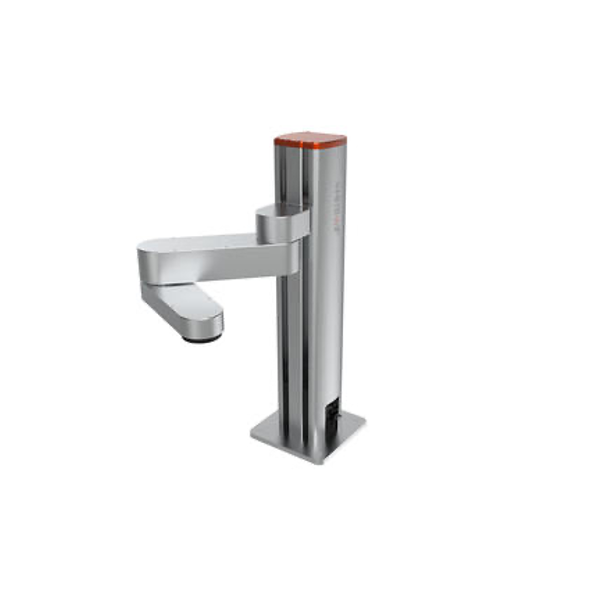
¶ 1 Getting to Know the olixBot™ Scara 1
This section introduces the olixBot™ Scara 1 hardware, package contents, and core mechanical architecture. It explains the robot’s joint structure, end-effector setup, and intended use for compact pick-and-place and automation workflows.
¶ 2 Getting Started
This section helps you quickly set up and start using the Scara 1 system. It covers network setup, power-on steps, Web UI access, and ROS 2 service-based control so you can begin operating the robot safely and reliably.
¶ 3 Platform Overview
This section summarizes motion range, payload, repeatability, and dimensional references for Scara 1. Use it as a quick technical reference when planning integration and workspace constraints.
¶ Developer Resources
¶ Quick Start & Onboarding
Start here for the recommended first steps, device access, WebGUI basics, and the common workflow for new users.
¶ Platform Installation
Install the required platform tools, ROS 2 environment, and host-side dependencies for development and integration.
¶ System Configuration
Review firmware updates, network setup, time synchronization, device parameters, and other system-level settings.
¶ ROS Interoperability
Learn how the product connects with ROS 2, DDS/RMW options, topic discovery, and external application workflows.